
I like TextMate, mostly because of the plethora of awesome and easy to access keyboard shortcuts. My most used are probably Command + t and Command + Shift + T. Command + t is quick open file and Command + Shift + T is quick jump to a section in just about any file (e.g. jump to a specific method, css class, DOM id, …).
When I switched to using Visual Studio on a daily basis a few months ago I was quite down that there didn’t seem to be an equivalent for either. The best solution I found for quick open file was the following:
CTRL + ?
Then typing:
>open the_file_name.ext
It worked, kind of, but nothing like I was used to using in TextMate.
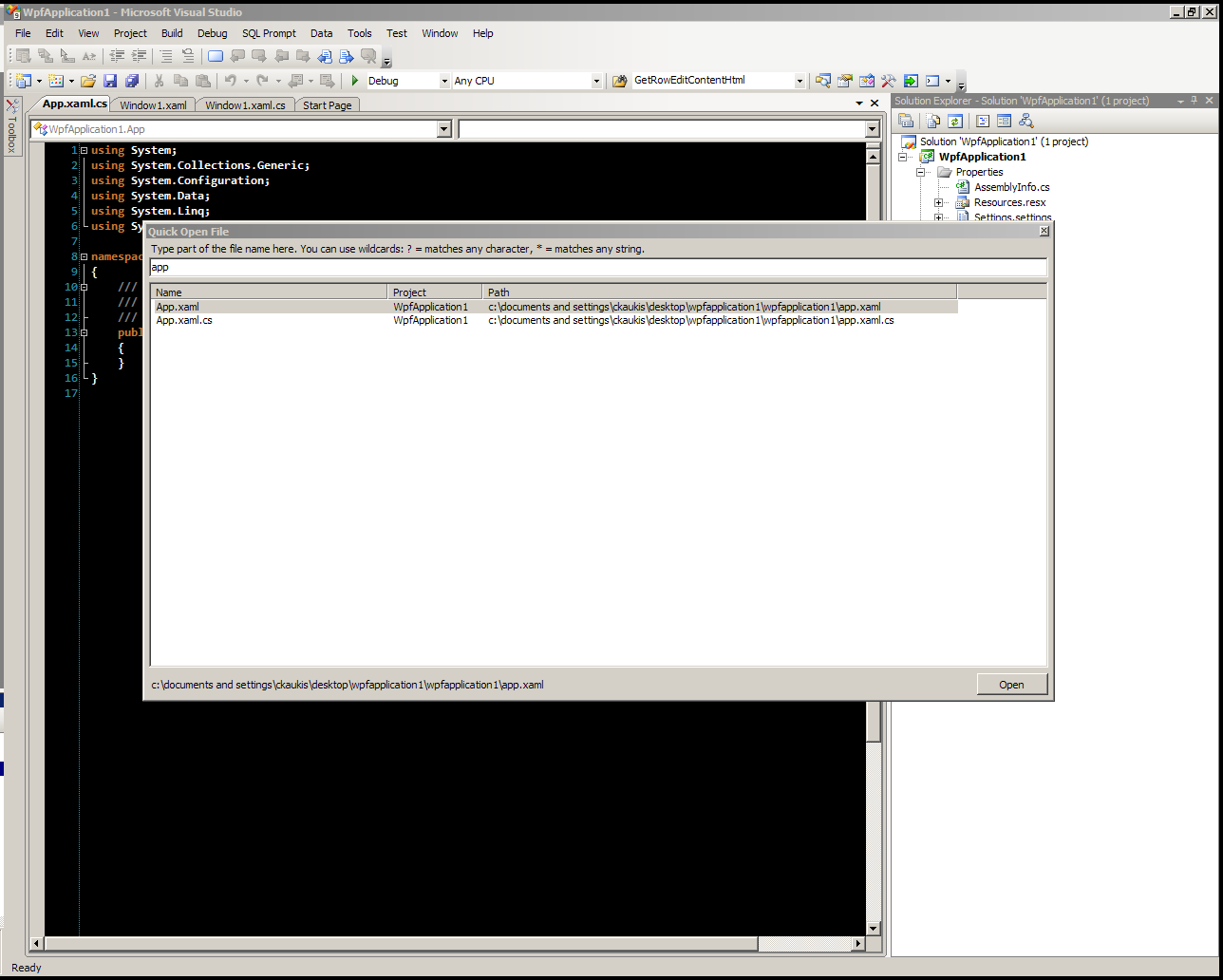
Recently I found this: Quick Open File for Visual Studio 2008
Run the installer. To use just type:
CTRL + k + o
Exactly what I was looking for! You can even dock it to a side if you want.
I’m still trying to find an equivalent for: Command + Shift + T (quick jump to section), CTRL + Shift + W (HTML: wrap selected) and CTRL +
Related
